Free for Windows
Moymo for Windows
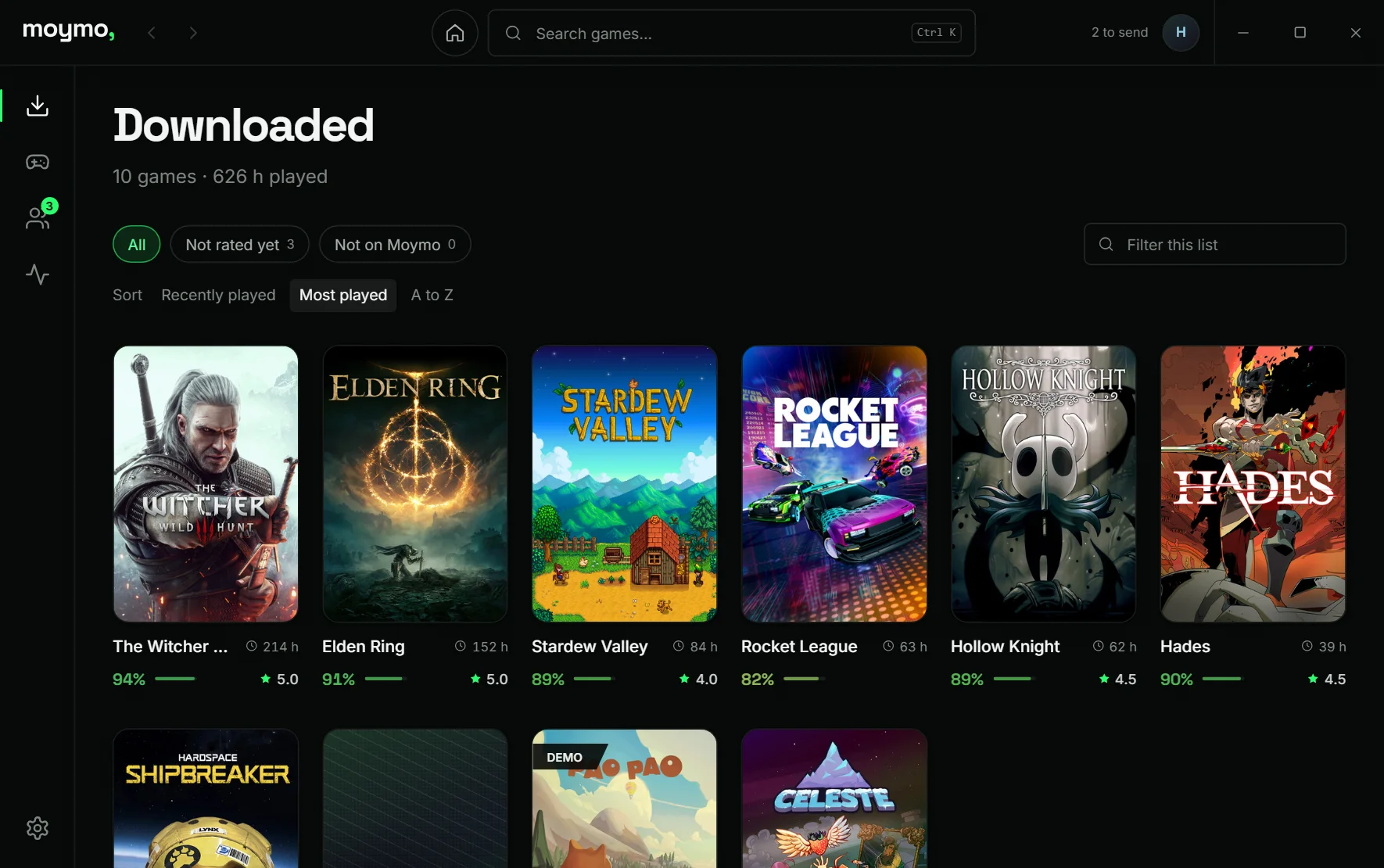
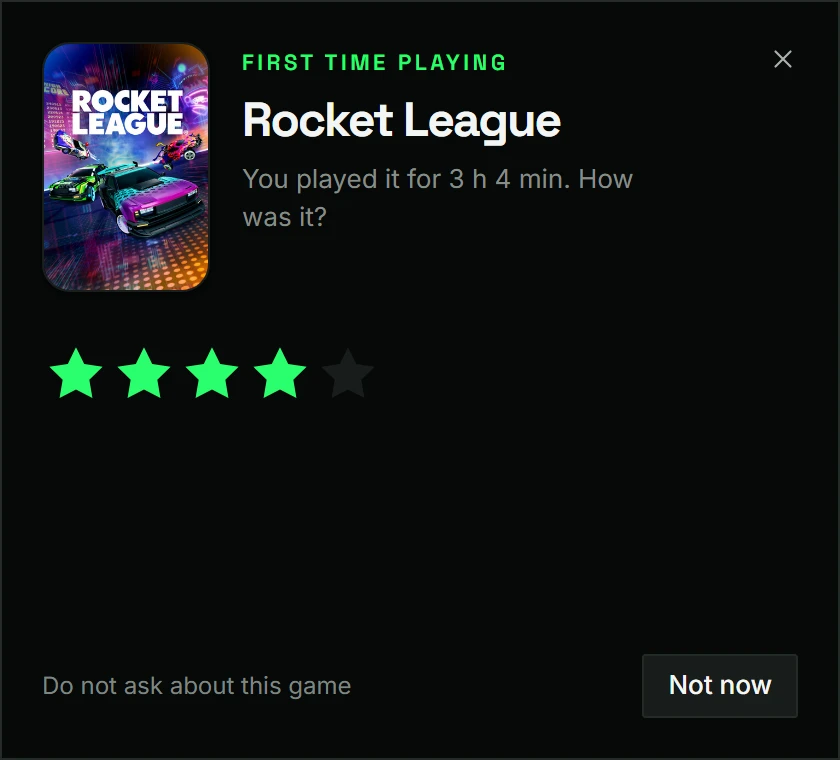
It waits in the system tray, notices which game you start and keeps your library and hours on Moymo up to date. When you try something new, it asks what you thought.
Download for WindowsWindows 10 and 11 · 64-bit · under 10 MB
Where it runs
- WindowsWindows 10 and 11, 64-bit or 32-bit
- AndroidAndroid 8 and newer, phones and tablets - updates itselfComing soon
- macOSFor MacComing soon
- App StoreFor iPhone and iPadComing soon
What it does
Counts your hours
Sees a game start and stop, and adds the time.
Asks once
A one-second rating the first time you play something new.
in a game
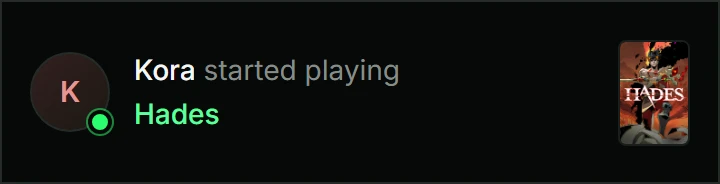
Sees your friends
Who is playing what, and a nudge when they start.
MB
Optimized
Of RAM while it waits in the tray.
Finds games from
- Steam
- Epic Games
- GOG
- Ubisoft
- EA
- Riot Games
- Xbox
Install in three steps
Download
One file, under 10 MB. Pick 64-bit or 32-bit above.
If Windows asks
The installer is not code-signed yet, so SmartScreen may not know it.
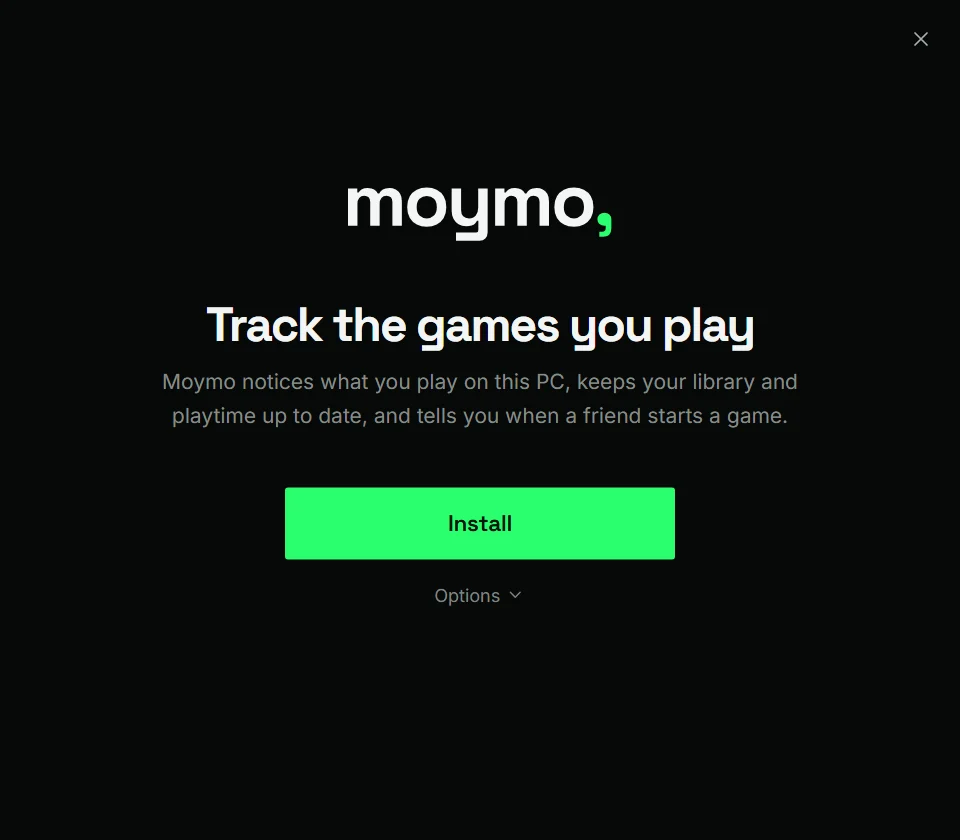
Install
Pick a folder if you like, then press Install.
No administrator prompt
Installs into your own profile. Remove it in Apps & features.
Signed updates
Checked against our key before they install.
What it sends
The games you have and how long you play them.
Read the privacy notice